Razer mouse Mac OS preview
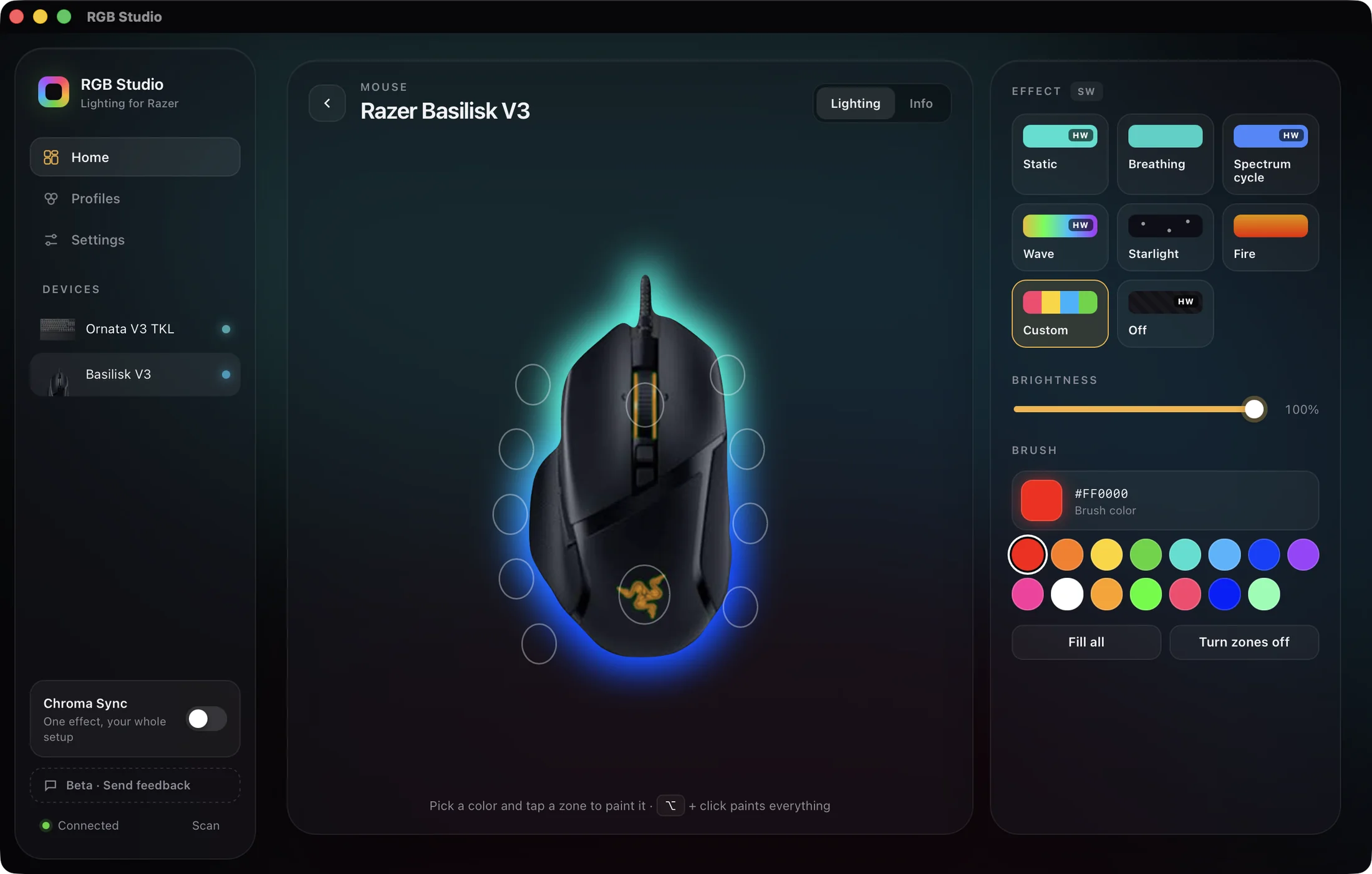
See your mouse with its current lighting. Change a color and watch it update on screen and on your desk.
Control the lights of your Razer mouse for Mac from a native app. RGB Studio is Razer mouse software Mac users can run without Synapse or an account, even on Intel Macs. 49 mouse models supported.
Every Razer mouse for Mac listed is supported on Apple Silicon and Intel. Basilisk, Viper, Cobra and more.
No model matches that search.
TESTED = verified hands-on with the real device Not found? Ask us to add it and we'll tell you.
See your mouse with its current lighting. Change a color and watch it update on screen and on your desk.
Apply a built-in profile or save your own. Switch your whole setup in an instant.
Drag color stops or paint zone by zone. See every change live before you save.
Static, Breathing, Spectrum, Wave and more. Hardware effects run on the mouse itself; availability depends on the model.
Applies your profile at login and runs quietly in the background, with no extra windows.
Run one effect across your mouse, your keyboard and more, with the wave flowing from one to the next.
RGB Studio controls lighting only. Here is what to know before you buy, so there are no surprises.
Lights only. For now, DPI is not something you can set from the app.
Macros and other programmable features are not part of the app. Lighting is the only focus today.
Button assignments stay as they are. Want that to change? Tell us: the most-requested ideas get built first.
Wireless mice work through their USB receiver. Over Bluetooth, the lights can't be controlled.
Pay once and download the app instantly. It's only about 6 MB.
Like any Mac app: no installers, no drivers, no account. During the beta, macOS asks you to confirm once.
The app recognizes it on its own, with its photo and zones. Wireless models connect through their USB receiver.
Apply a built-in profile or create your own. Turn on “Start with macOS” and forget about it.
Yes. A Razer mouse works on Mac as a regular mouse, and RGB Studio lets you control its lighting. 49 mouse models are supported.
Yes. Check the model list: 49 Razer mice are supported on Apple Silicon and Intel Macs, macOS 13 or later.
No. RGB Studio talks directly to your mouse, with no drivers or account. Compare it with Synapse for Mac.
Look it up in the list above. If it isn't there, request it with one click and we'll look into adding it to the catalog.
No. For now, RGB Studio controls lighting only. DPI, macros and button assignments stay as they are.
Many wireless mice do, through their USB receiver. If the lights don't respond, see Synapse not working on Mac.
Yes. Your Razer mouse for Mac setup costs US$ 8.79 once, with no subscription. It includes every update during the beta.
Costs less than a mouse pad. No subscriptions, no accounts.
Not for you? Ask for a full refund within 14 days of purchase. No questions asked.